Unity Painting Tool
Paint Tool — runtime painting for Unity
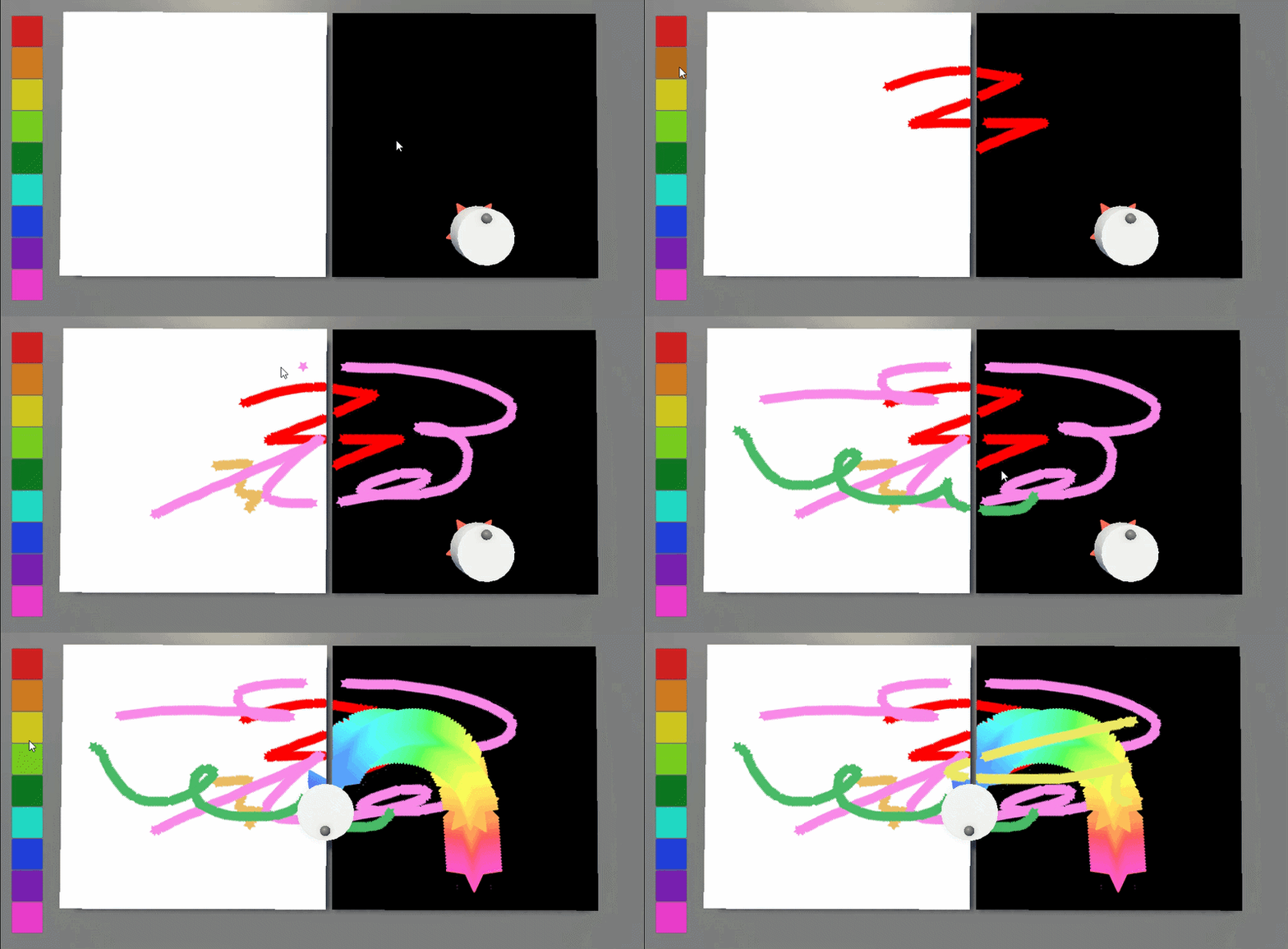
Drop a component on a mesh and paint it — with the mouse, or with a moving object that leaves a colour trail.
Try the demo
- Open Scenes/Demo and press Play.
- Hold Left Mouse and drag to paint.
- Click the colour buttons to change colour.
- Demo scene is in URP, but the tool should work with Built-in renderer
Make your own mesh paintable
- Add a Collider and a PaintCanvas to the mesh.
- Set Surface Renderer to the mesh's own renderer.
- Leave Bind To Surface on.
Paint on it
- MousePainter — paints where you click. Give it the camera, a brush and a colour.
- PlayerPainter — put it on a moving object; it paints beneath itself. Set Surface Mask to your floor layer.
Brushes
- A brush = a Footprint texture (shape) + a Half Size in metres.
- Texture: shape in the alpha channel, transparent background, Wrap Mode Clamp.
- Cycle Hue on PlayerPainter = a rainbow trail.
Requires
- Unity Input System package.
- Free, MIT licence. Consider donation
Download
Click download now to get access to the following files:
Leave a comment
Log in with itch.io to leave a comment.